The most expensive habit in image generation is also the most natural one: write the perfect prompt, press the big button, hope. Sometimes it works. Mostly you get a picture that is close, and you pay full price again to find out which word to change.
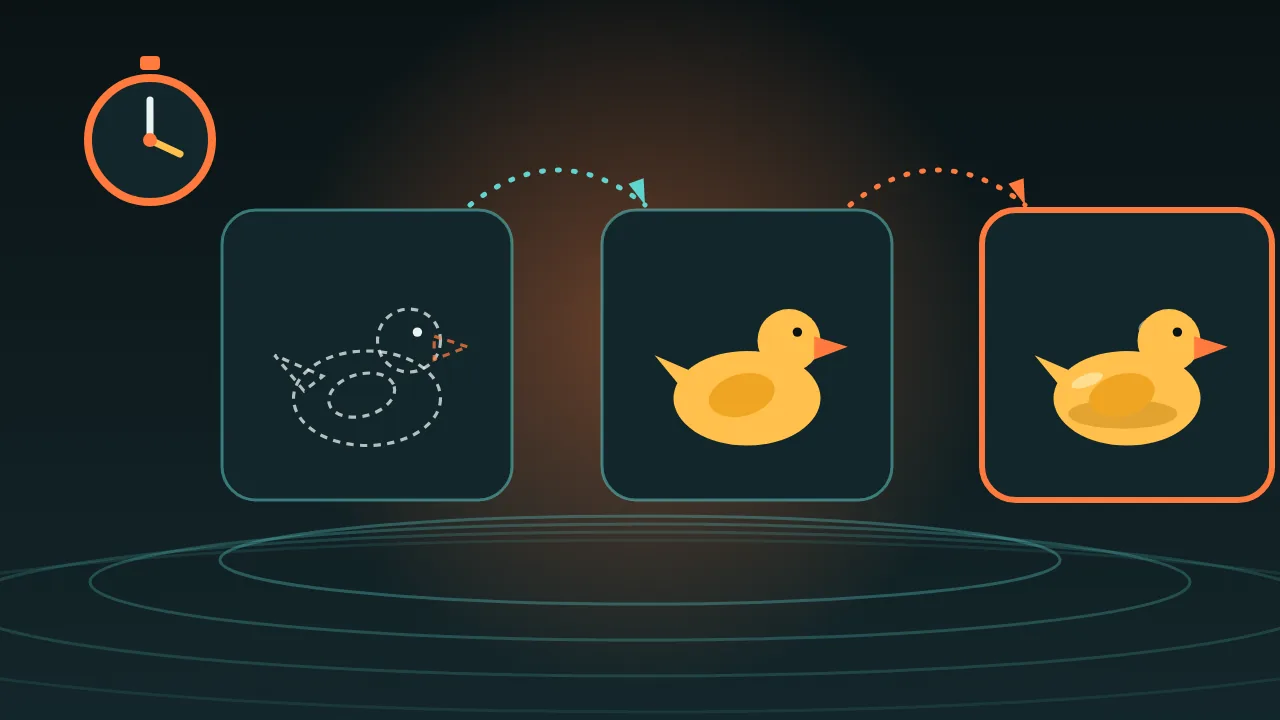
Painters do not start with the final canvas, and neither should you. Spend your first ten minutes in a sketchbook, then spend real money on exactly one picture. Here is the loop we use.
The loop in four beats
- Draft small. Use a cheap text-to-image model, for example p-image. Its form is a prompt, an aspect ratio, an output format and a seed. Nothing else to fiddle with, which is the point.
- Pick by squinting. Make a few drafts of the same idea and shrink them until they are thumbnails. Keep the one whose shape you can still read from across the room.
- Change one thing. Subject, light, angle or palette. Never two at once, or you will not know which change helped.
- Promote. Send the winning prompt, at the same aspect ratio, to the model you will actually ship with, such as Nano Banana 2.1, which renders at 1k, 2k or 4k.
Use the seed like a lab bench
The draft model has a seed field, and -1 means random. Put a real number in it and the same prompt gives you the same picture, every time. That turns a guessing game into an experiment: keep the seed, change one word, and whatever moved in the picture is what that word does.
Write the seed down next to the prompt. When a draft is 90 percent right, you can come back to it tomorrow.
Draft in the shape of the final
This draft model offers 1:1, 16:9, 9:16, 4:3, 3:4, 3:2 and 2:3, or a custom width and height from 256 to 1440 pixels in steps of 16. Decide where the picture will live first. A square draft that you later crop to a banner throws away the composition you just chose.
Three prompts for one evening
A yellow rubber duck captain steering a wooden bathtub ship through storm waves made of soap foam, dramatic sunset, wide shot, toy photography.A yellow rubber duck captain steering a wooden bathtub ship through calm water, pale pink dawn sky, wide shot, toy photography.Close-up of a rubber duck captain's tiny hat with brass buttons, soft window light, shallow depth of field, toy photography.Lifehacks that save rounds
- Name your rounds. composition, light, palette, detail. If a round has no name, it has no question.
- Judge the thumbnail, not the pixels. If the idea is not visible small, it is the prompt that is wrong, not the model.
- Keep a words-that-worked note. Three or four phrases you trust beat a long list you copied.
- Edit instead of rerolling. When a draft is nearly right, send it to an edit model such as p-image edit, which takes one to five reference images, instead of throwing the whole thing back in the pond.
The honest limit
A draft is a sketch of the idea, not a preview of the final picture. Different models read the same words differently, so colour, texture and especially any text in the image can change when you promote. Plan one or two repair rounds on the bigger model. The loop still wins, because you arrive with a composition and a palette you already trust.
Once the winning picture exists and you need ten more that look like it, read how to keep a mascot consistent.