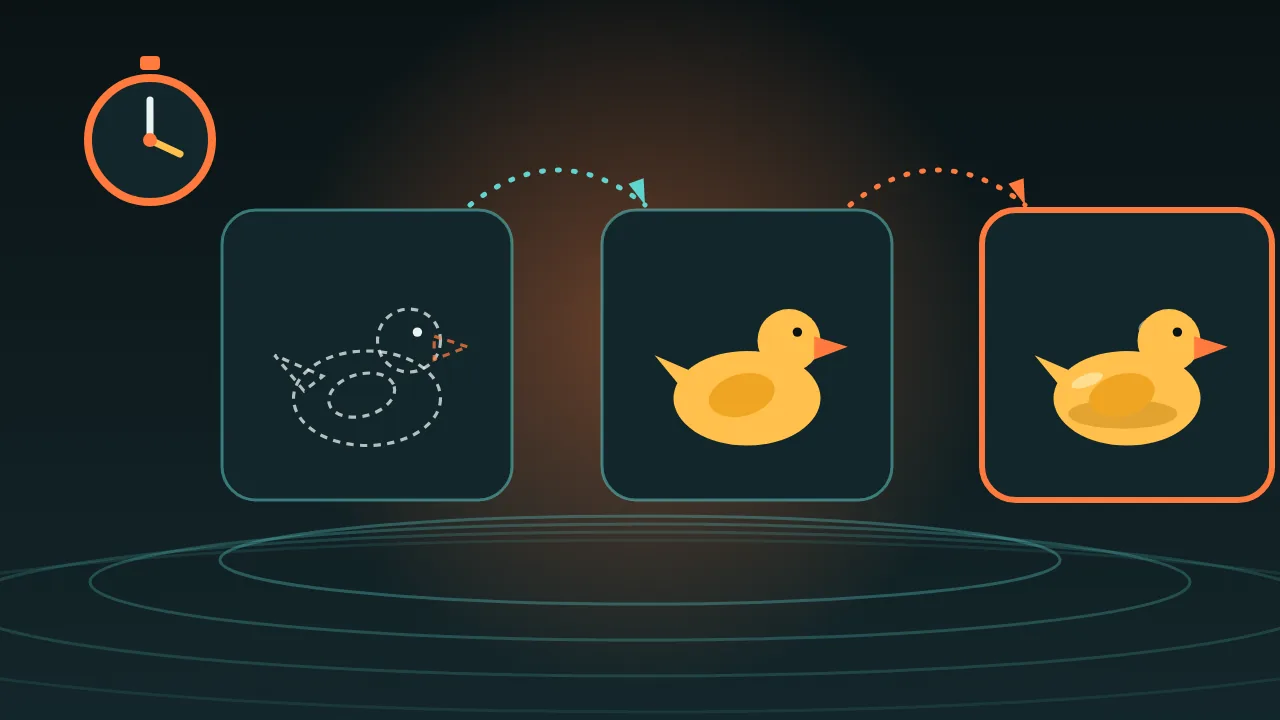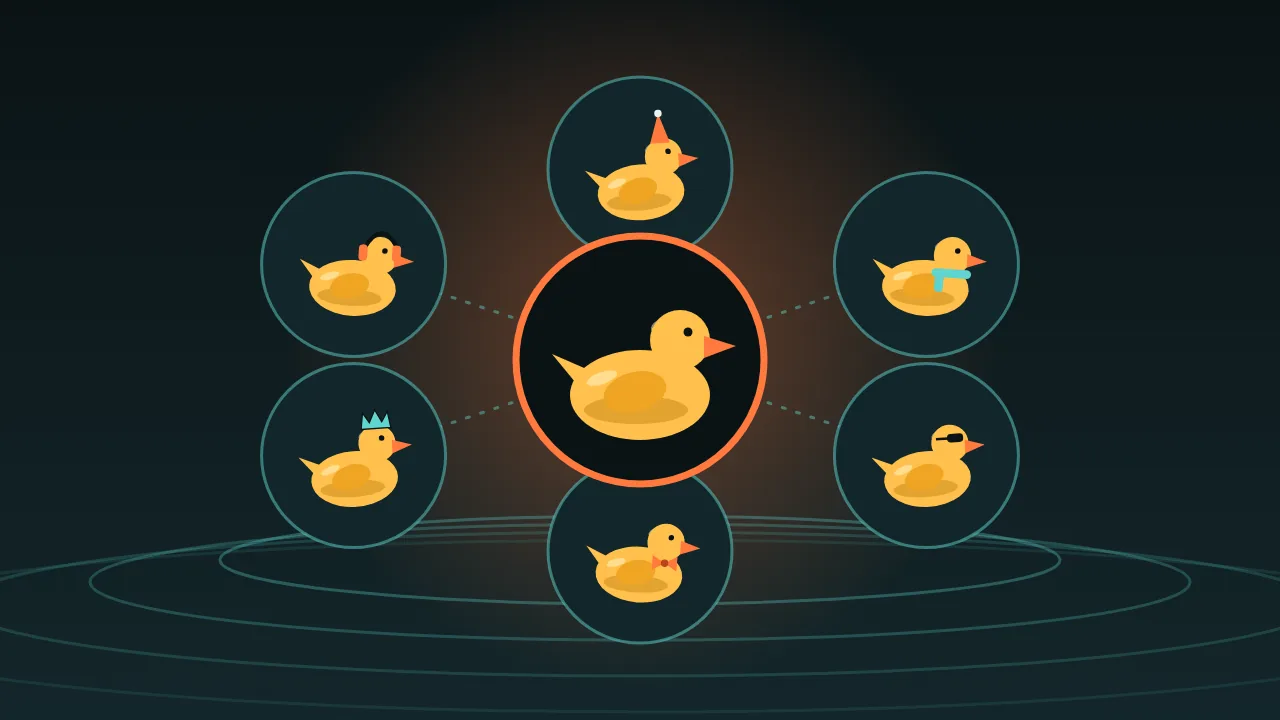
Goal for the afternoon: eight stickers of one mascot, each with a different mood, and one of them moving. Think of it as a plan you can run, not a report of one we already ran. The timings are budgets. Your first time will wander, and that is fine.
14:00 Draft the character (about 10 minutes)
Open a cheap text-to-image model, p-image, at 1:1. Make a handful of drafts of your mascot and shrink them to thumbnails. You are choosing a silhouette, nothing else. The method is the one from the draft loop guide.
A small yellow rubber duck with a green bucket hat, round body, orange beak, flat vector sticker style, thick clean outline, plain pale background.14:15 Make the canon picture (about 15 minutes)
Take the winning prompt to a bigger model, for example Nano Banana 2.1. Render until one picture is clearly your mascot. Save it. This is canon, and every sticker starts from it, as in the mascot guide.
14:30 Eight moods by editing (about 45 minutes)
Open an edit model with the canon picture as the only reference. Try the moods on a cheap one first, p-image edit, and promote only the keepers to Nano Banana 2.1 Edit. One mood per prompt.
Keep the duck exactly the same: colours, hat, outline. Change only the expression and pose: he is fast asleep, eyes closed, tiny z letters floating above. Plain pale background.- happy, with a small heart floating above
- proud, chest out, one tiny star
- asleep, with sleepy z letters
- surprised, with a big exclamation mark
- nervous, with one sweat drop
- singing, with a music note
- angry, with a small lightning bolt
- delighted, with a sparkle
15:15 Make them sticker-ready (about 30 minutes)
Cutting a sticker out is easy when the background is one flat colour the mascot does not use, which is why we kept it plain pale all along. Cut each one in your editor and add the white die-cut border there. For any sticker you want to print, p-image upscale lets you choose a target size in megapixels.
15:45 One sticker moves (about 20 minutes)
Pick the favourite mood and open p-video-2 image-to-video. The form takes your picture, a prompt, a duration from 1 to 20 seconds, 720p or 1080p, a draft switch for a faster and cheaper preview, a prompt-enhancement switch and a sound switch.
The duck bobs gently up and down on the spot, tiny ripples under him. The camera does not move. Plain pale background.The seam to watch
Nothing promises that the last frame matches the first, so a clip may jump when it loops. The cheapest fix is in any video editor: play the clip forward and then backward, so the bob goes down and comes back with no seam at all.
The end-of-afternoon checklist
- Eight stickers that read as the same mascot at thumbnail size.
- One looping clip with a seam you have checked.
- A note with the character card, the canon picture and the mood prompts, so next Friday starts in five minutes.