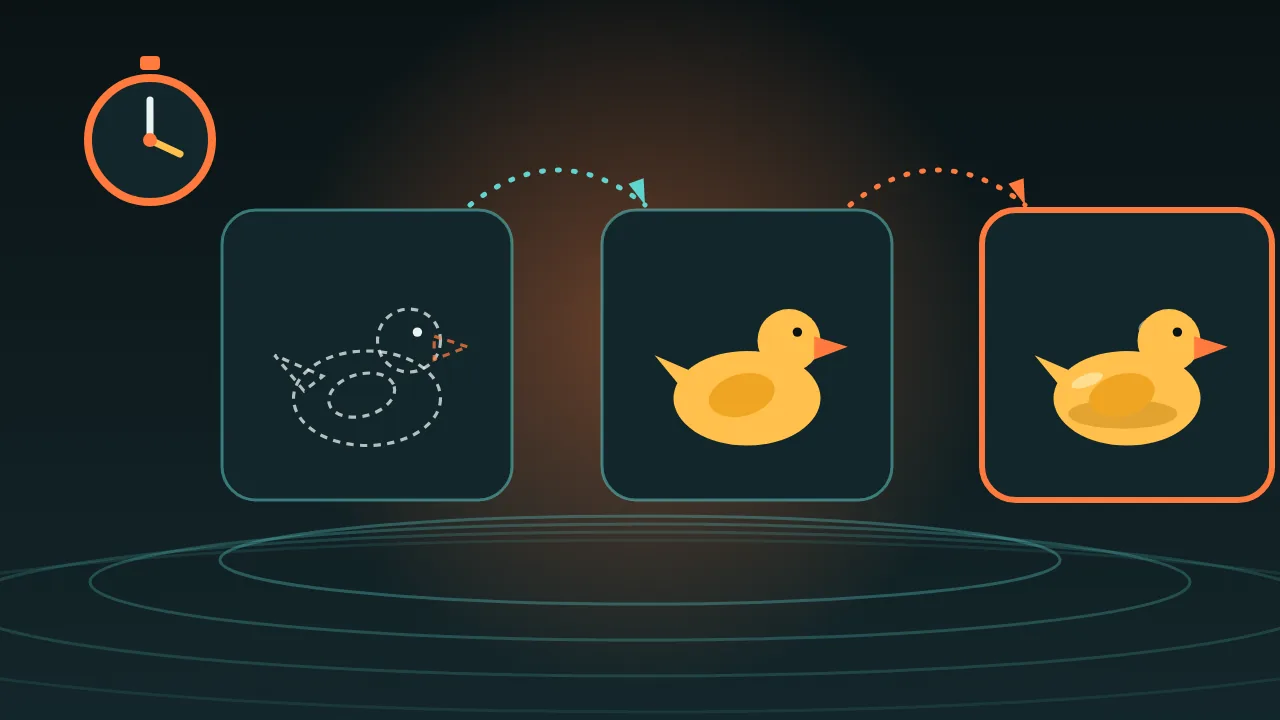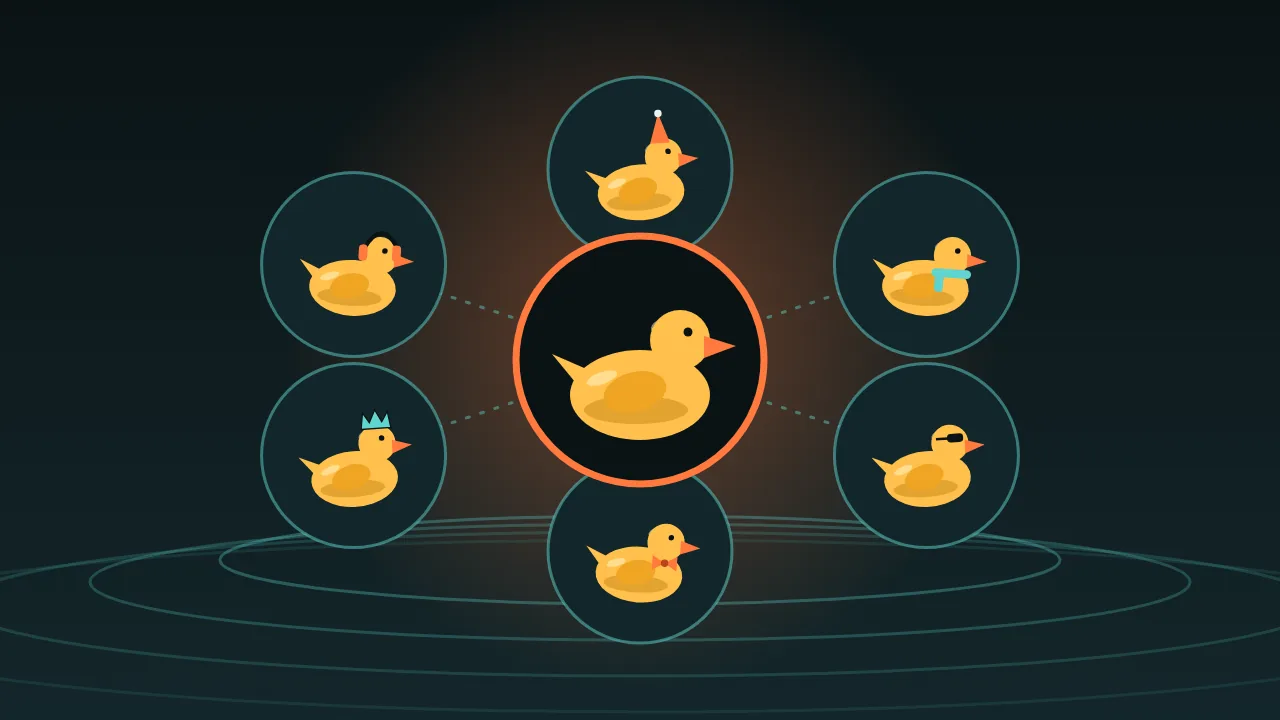
Your first mascot picture is easy. The tenth is where it falls apart: the hat changes colour, the beak gets longer, and somehow there is a second button on the jacket. Image models do not remember your character. Every picture is a fresh roll of the dice unless you give the dice something to hold on to.
Our test mascot is Pip, a small yellow rubber duck in a green bucket hat. These nine habits keep Pip looking like Pip.
1. Write a character card once
A short paragraph you paste in front of every prompt. Shape, colours, one or two signature items, and the art style. Use the same words every time, down to the order.
Pip: a small yellow rubber duck, round body, orange beak, two black dot eyes, a green bucket hat with a white band. Flat vector sticker style, thick clean outline, plain pale background.2. Choose one canon image
Generate until one picture is clearly Pip, then stop. That image is canon. From now on, new pictures start from it as a reference, not from words alone.
3. Edit, do not regenerate
Edit models take your canon picture as input. Nano Banana 2.1 Edit accepts up to 14 reference images, Krea V3 Edit takes one to eight, and p-image edit one to five. Changing the pose of a picture you already have is much more stable than describing the character again from scratch.
Keep the duck exactly the same: same colours, same hat, same outline. Change only the pose: he waves with one wing. Plain pale background.4. Say what must not change, out loud
Models are agreeable and a little too creative. Start the edit with the list of things to freeze: colours, hat, outline, proportions. It sounds silly and it works.
5. One change per prompt
New pose, or new outfit, or new scene. Pick one. Two changes at once is where the beak gets longer.
6. Point at images by number
When you give an edit model several pictures, say which is which. Krea V3 Edit lets you refer to its inputs in order as <image-1>, <image-2> and so on, which makes a swap unambiguous.
Put the duck from <image-1> into the kitchen from <image-2>. Keep his hat, colours and outline unchanged, and match the kitchen's light.7. Keep the background boring
While you build the set, use a plain flat background. A busy scene pulls the model's attention away from the character, and that is when details drift. Put Pip in scenes at the end.
8. Name colours part by part
Not a nice yellow duck, but yellow body, orange beak, green hat, white hat band. Part-by-part colour words give the model less room to improvise.
9. Re-anchor every few pictures
A copy of a copy of a copy drifts. After a handful of edits, go back to the canon image and edit from there again, instead of editing the newest picture. Think of canon as home base.
Where it still breaks
Consistency here means very close, not identical. Counts and fine detail drift first: the number of buttons, a small logo, a repeating pattern, text on a badge. If a detail matters, plan to paint it on afterwards in an editor, or keep it big and simple so the model cannot get it wrong.
Want to turn the set into something people use? The sticker pack plan walks through exactly that.